If you’ve ever sat down to work, opened one tab, then another, then looked up an hour later with nothing done, you’re not alone. Getting started and staying on track can be especially hard when your brain craves novelty and finds boring tasks almost physically painful.
The Pomodoro Technique is one of the simplest tools for that problem. But the classic version doesn’t suit everyone. In this guide, I’ll share a gentler, more flexible way to use it if you have ADHD, or simply a brain that resists the clock. (If you’re new to the method, start with How to Use the Pomodoro Technique for Creative Work.)
A quick note: I’m a designer, not a doctor. These are practical productivity tips, not medical advice. If ADHD is affecting your work or life, a healthcare professional can help you find the right support.
What is the Pomodoro Technique?
The Pomodoro Technique was created by Francesco Cirillo in the late 1980s and named after his tomato-shaped kitchen timer. The classic version is simple:
- Choose one task.
- Work on it for 25 minutes.
- Take a 5-minute break.
- After four rounds, take a longer break of 15–30 minutes.
Why the Pomodoro Technique can help with ADHD
- It makes starting easier. “Work on the report” feels endless. “Work on it for 25 minutes” has a finish line.
- It adds urgency. A ticking timer creates a gentle deadline, which can make boring tasks feel more doable.
- It builds in breaks. You get permission to stop, so you’re less likely to burn out or wander off mid-task.
- It makes time visible. If time tends to slip away from you, a timer shows exactly how much is left.
Why the classic version doesn’t always work
Many people with ADHD find the standard rules frustrating. Maybe 25 minutes feels impossibly long on a hard day. Maybe you finally hit a state of deep focus, and the timer rudely interrupts it. Or a 5-minute break turns into 45 minutes of scrolling.
The good news is that the technique is a tool, not a test. You can change the rules.
A gentler Pomodoro method for ADHD brains
1. Start smaller than you think
If 25 minutes feels like too much, start with 10 or 15. The goal is to begin. Once you’re moving, it’s often easier to keep going.
2. Let hyperfocus run (sometimes)
If you’re deep in a task when the timer goes off, it’s fine to keep going. Just set a second timer as a check-in, so a great hour doesn’t turn into a missed lunch and a stiff neck.
3. Plan your break before you take it
Decide what your break is for before it starts: refill your water, stretch, step outside. Avoid anything with an endless feed. A timer for your break is just as important as one for your work.
4. Write down distractions instead of following them
Keep a notepad next to you. When a thought pops up, like an email to send or something to look up, jot it down and come back to it on your break. Your brain can let it go because it knows it won’t be forgotten.
5. Make the first step tiny
Before each session, write down the very first action. Not “write blog post”, but “open the draft and write the first heading”. A clear first step lowers the barrier to starting.
6. Add a little novelty
Switch tasks between sessions, change where you work, use a different timer sound or pair dull tasks with music you love. Small changes can keep your brain interested.
7. Try body doubling
Some people find it easier to focus when someone else is working nearby, whether it’s a friend at the same table or an online co-working session. Start your timers together and check in at the break.
Which session length should you try?
- 10/5: for hard-to-start days, admin you’ve been avoiding or when your energy is low.
- 25/5: the classic rhythm, good for most everyday tasks.
- 45/10 or 90/10: for deep creative work once you’re in the flow.
Experiment for a week and notice which length helps you start and which helps you finish. They might be different.
Use a timer that doesn’t distract you
Using your phone as a timer comes with a catch: the phone itself is often the distraction. A dedicated, minimal timer helps you stay on task.
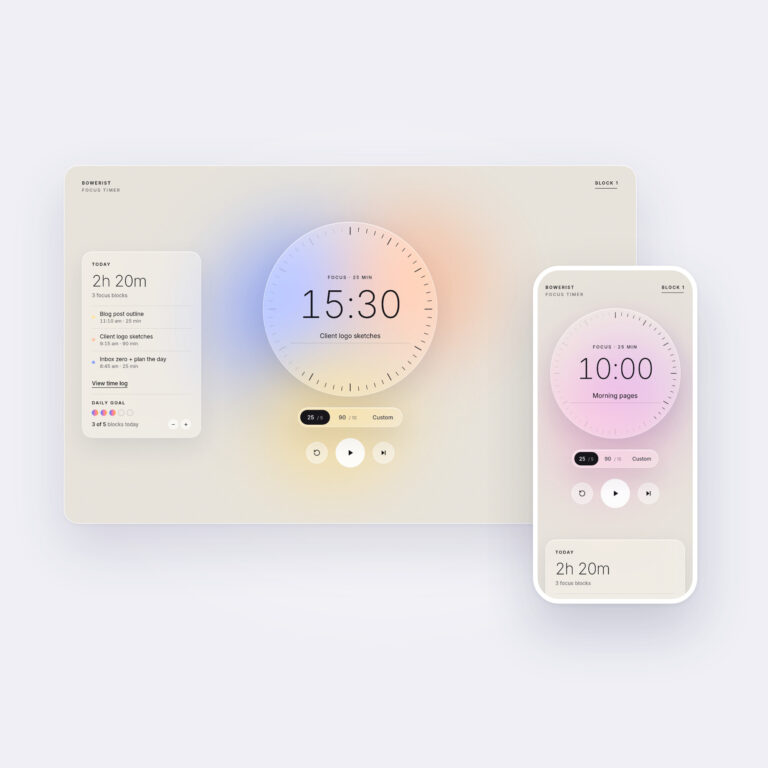
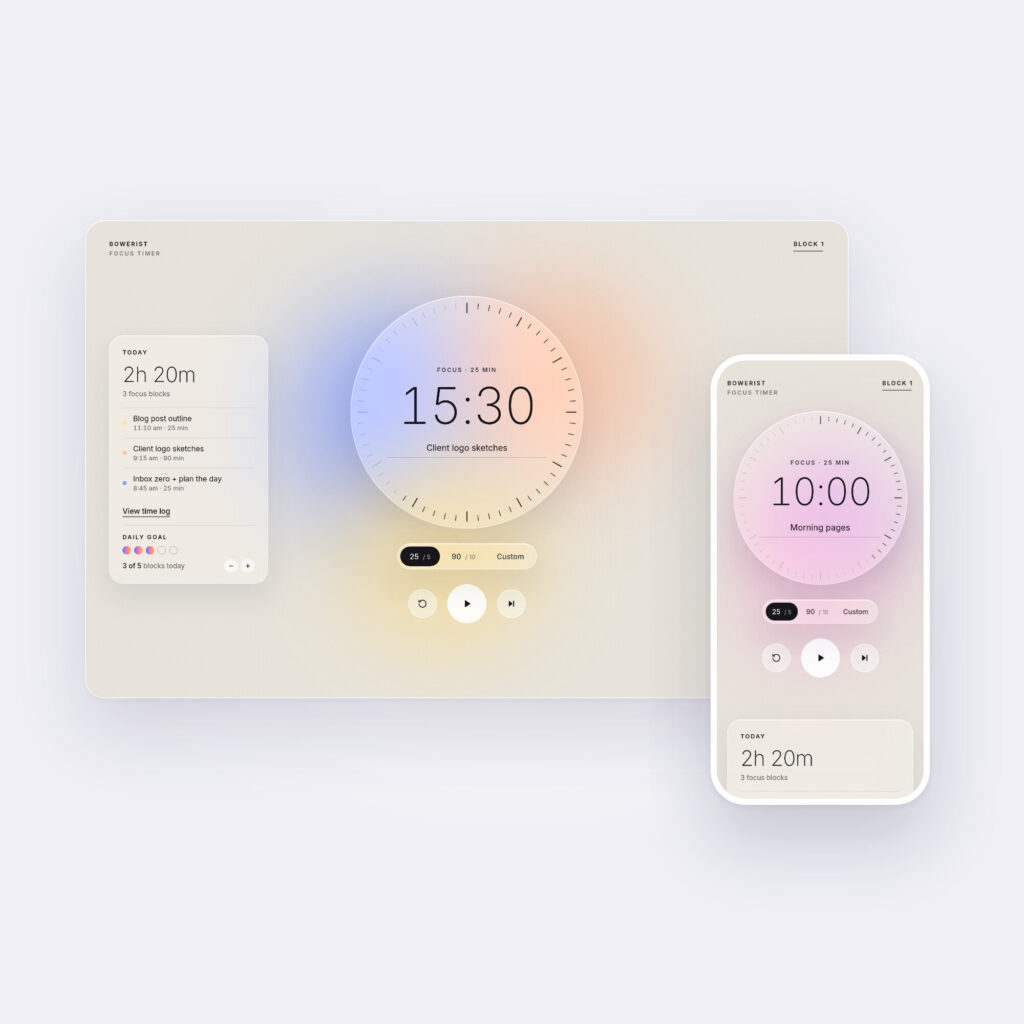
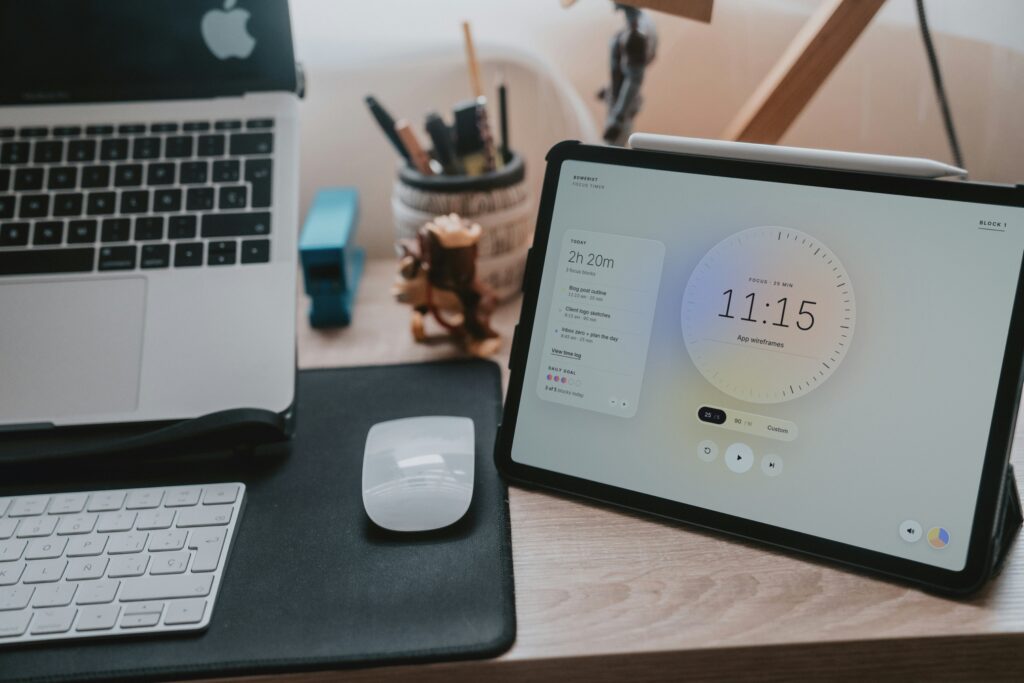
That’s why I made the Minimalist Focus Timer. It’s a calm, browser-based Pomodoro timer for desktop and phone, with no account and no ads.
- 25/5, 90/10 and custom timer modes
- A daily goal, today log and 7-day history
- 5 colorways and 4 gentle sounds
- No app to install
A custom mode means you can set the short sessions that work on hard days and the longer ones that work when you’re in the flow.
Track your focus over time
It’s easy to forget the days that went well. Ticking off each focus session on a monthly habit tracker turns small wins into something you can see. And if you need a place to write your first step and distraction list, a printable day planner works well beside your timer.
Pomodoro technique for ADHD FAQ
Is the Pomodoro Technique good for ADHD?
Many people with ADHD find it helpful because it breaks work into short, clear sessions with built-in breaks. It works best when you adapt it, by changing session lengths and planning your breaks, rather than following strict rules.
How long should a Pomodoro be for ADHD?
There’s no right answer. Start with whatever feels doable, even 10 minutes, and adjust from there. Many people use shorter sessions to get started and longer ones once they’re focused.
What if I can’t stop scrolling on my breaks?
Set a timer for your break too, and choose a break activity that has a natural end, like making tea or stretching. Keeping your phone in another room during work sessions can help as well.
Be kind to your brain
Some days, one 10-minute session will be a win. Others, you’ll fly through four. The Pomodoro Technique isn’t about being perfectly productive. It’s about making it a little easier to start, and a little easier to come back after you drift. Set a timer, pick one small step and begin.