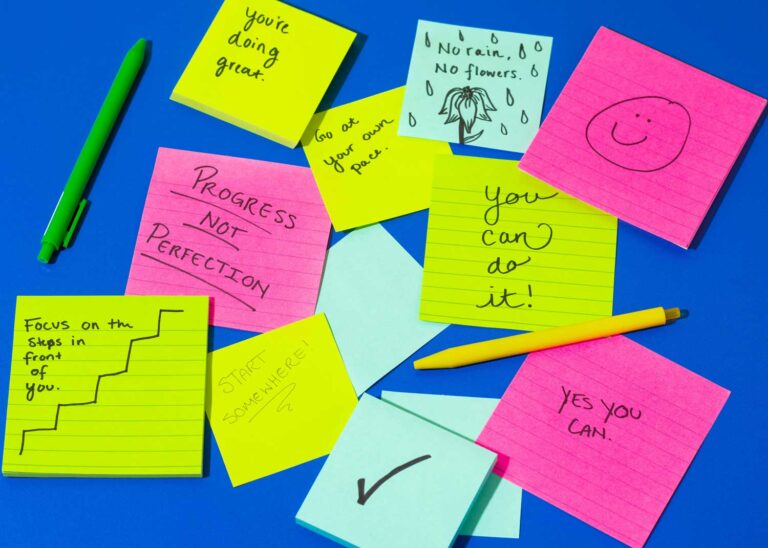
Some days, the hardest part of creative work isn’t the work. It’s starting. The inbox is open, a client message pops up, and before you know it, the morning has gone to “busy work” instead of the thing that actually matters.
The Pomodoro Technique is one of the simplest ways I know to get back on track. In this guide, I’ll walk you through how it works, how to choose between short and long focus blocks for creative work, and the calm, minimalist focus timer I made to help me do one thing at a time.
What is the Pomodoro Technique?
The Pomodoro Technique was developed by Francesco Cirillo in the late 1980s and named after the tomato-shaped kitchen timer he used. The idea is simple:
- Pick one task.
- Set a timer and work on only that task until it ends.
- Take a short break.
- Repeat, and take a longer break after a few rounds.
That’s it. No complicated system, no app to learn. Just a clear start, a clear finish, and permission to rest in between.
25 or 90 minutes? Choosing your focus block
The classic Pomodoro is 25 minutes of focus followed by a 5-minute break. It’s a great default, but creative work doesn’t always fit into 25-minute boxes. Here’s how I think about it:
25 / 5: for admin and hard-to-start tasks
Short blocks are perfect for the things you’ve been avoiding: emails, invoices, a blog outline, tidying your files. Twenty-five minutes feels small enough to start, and that’s often all you need to get moving.
90 / 10: for deep creative work
Design, writing, illustration and editing often need longer stretches to really get into the flow. A 90-minute block with a 10-minute break gives you time to warm up, go deep, and still come up for air before you burn out.
Custom: for your own rhythm
Some people work best in 45-minute blocks, others in 60. Try a few different lengths over a week and notice when your focus starts to fade. Your best block length is the one you can actually stick to.
Tips to make your focus blocks work
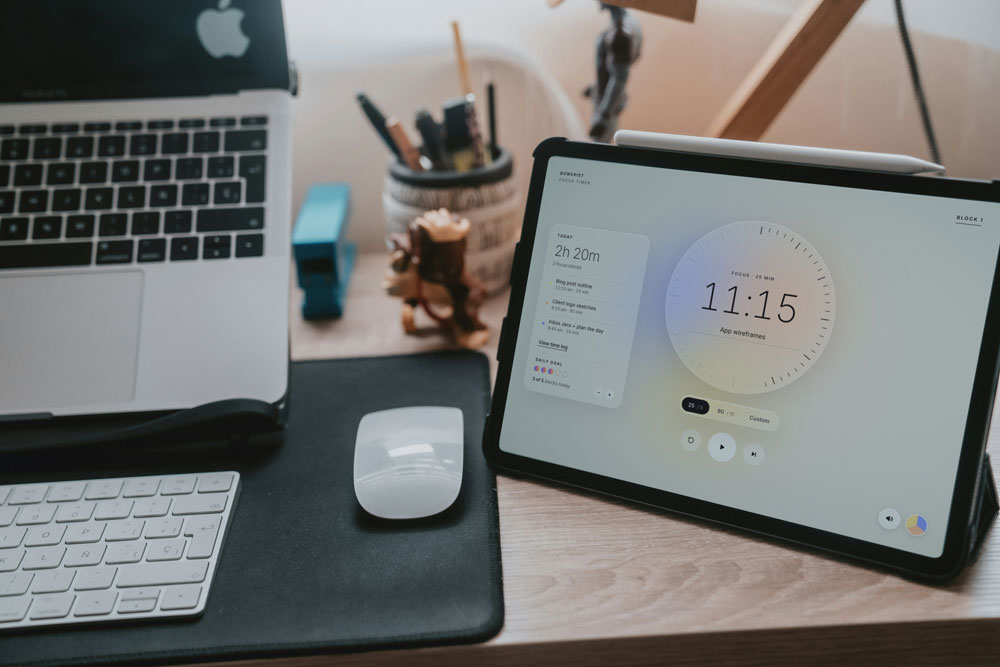
- Name the task before you start. “Work on the website” is vague. “Write the About page intro” is a block.
- Put your phone in another room. Or at least face down and on silent.
- Take real breaks. Stand up, stretch, refill your water. Scrolling isn’t a break.
- Set a daily goal. Three to five focused blocks is a really good day for most creative work.
- Look back at your week. Seeing where your time actually went is often eye-opening.
Why I made a minimalist Pomodoro timer
I wanted a focus timer for deep work without a subscription, ads, or yet another account to sign up for. Most of the Pomodoro timers I tried were either cluttered or covered in notifications, which kind of defeats the purpose. So I made my own.
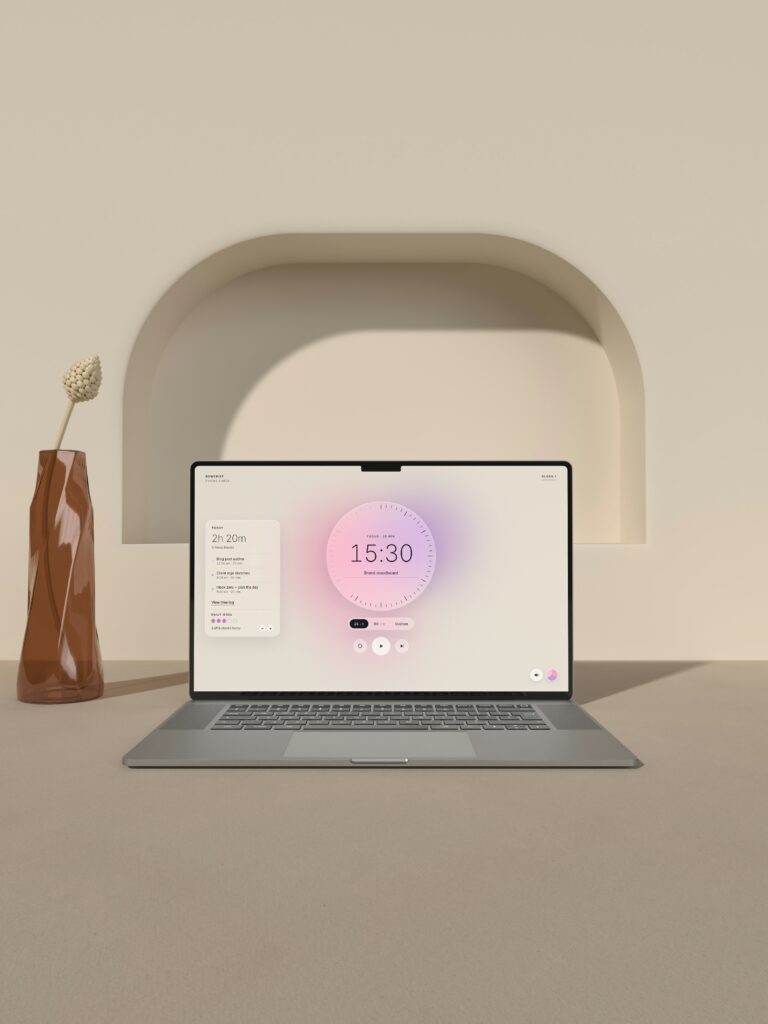
The Bowerist Minimalist Focus Timer is a calm, aesthetic Pomodoro timer that runs right in your browser. As your block counts down, the tick marks fade and soft colors slowly gather into a glowing orb. It’s a quiet little reminder to stay with the one thing in front of you.
What it does
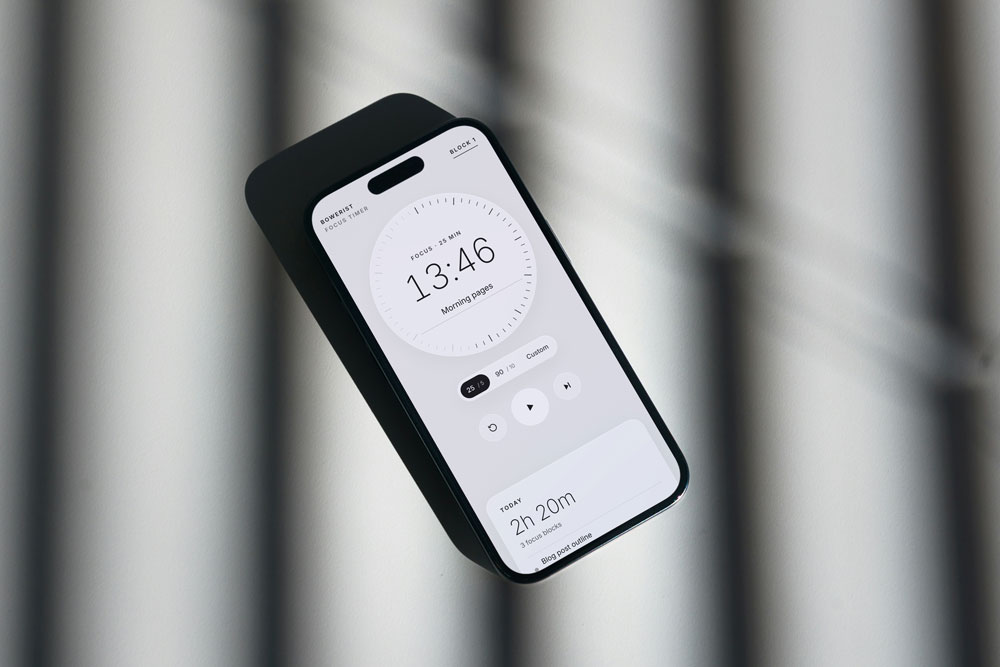
- 25/5, 90/10 and custom focus blocks
- Name each task so you know exactly what the block is for
- A Today log and daily goal to see your progress at a glance
- A 7-day time log, with CSV export if you’d like to keep your records
- 5 colorways, including a dark Midnight mode, and 4 gentle sounds
- Works on your computer (even offline) and on your phone, where you can add it to your home screen
- No account, no ads and no subscription
Your log and settings are saved right in your browser, on your device, so your data stays with you.
Start with one block
You don’t need a perfect system to have a productive day. Pick the one task that matters most, set your timer, and start. One task. One block. Done.